 Hardware & simulation
Robotic systems
Prism Robotics
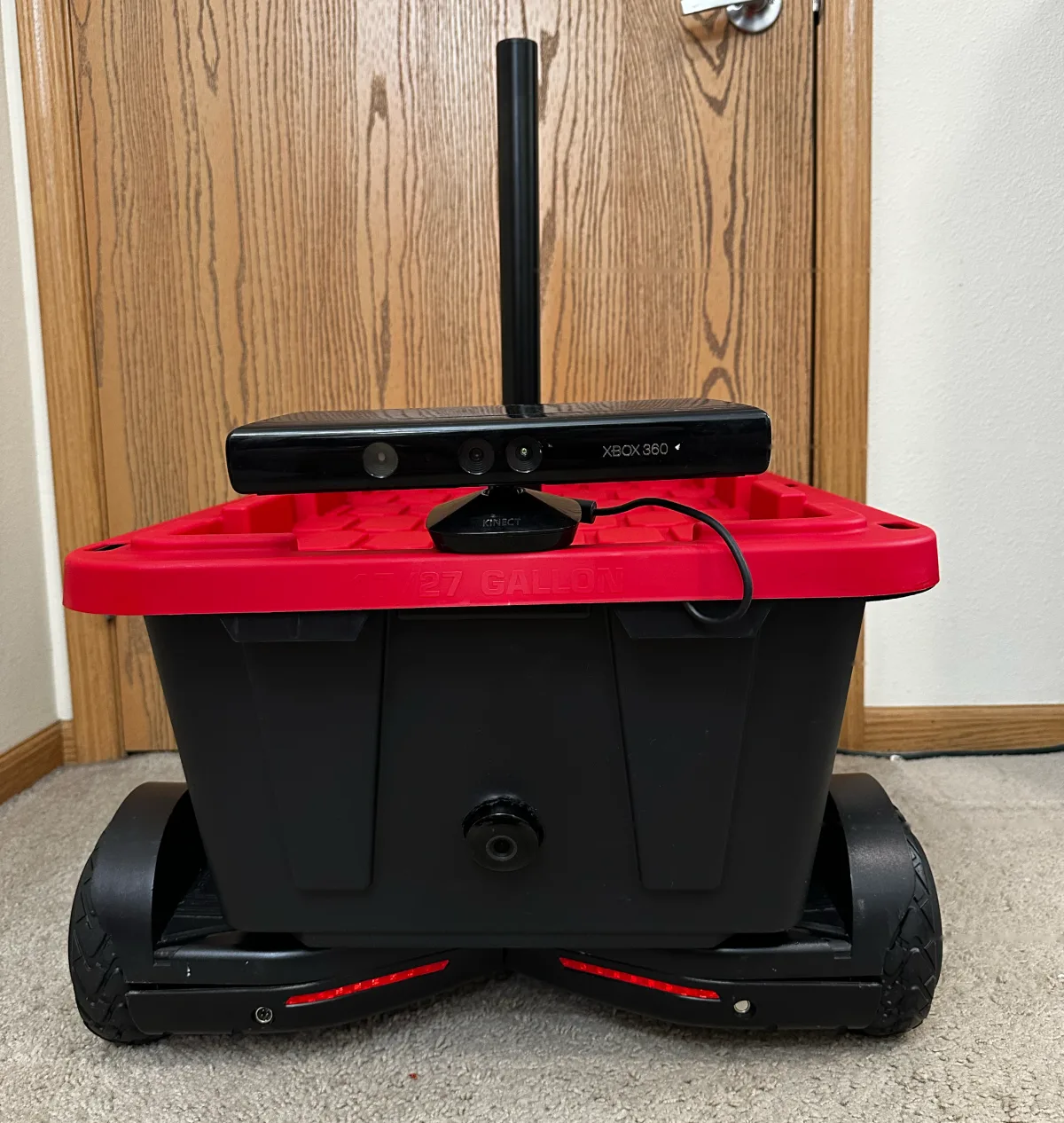
Drive a simulated crop row or watch an operator steer Franky, Prism’s first physical rover.
Rover simulation · Interactive demo
Take the wheel in a simulated crop row.
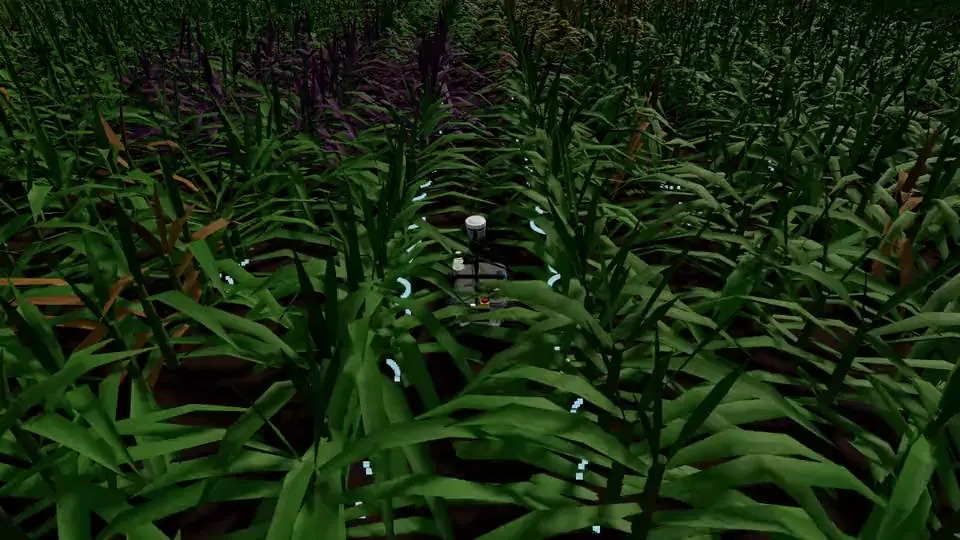
Switch into manual drive and steer through a simulated growing environment. Use the rover’s camera to see the same turn from ground level.
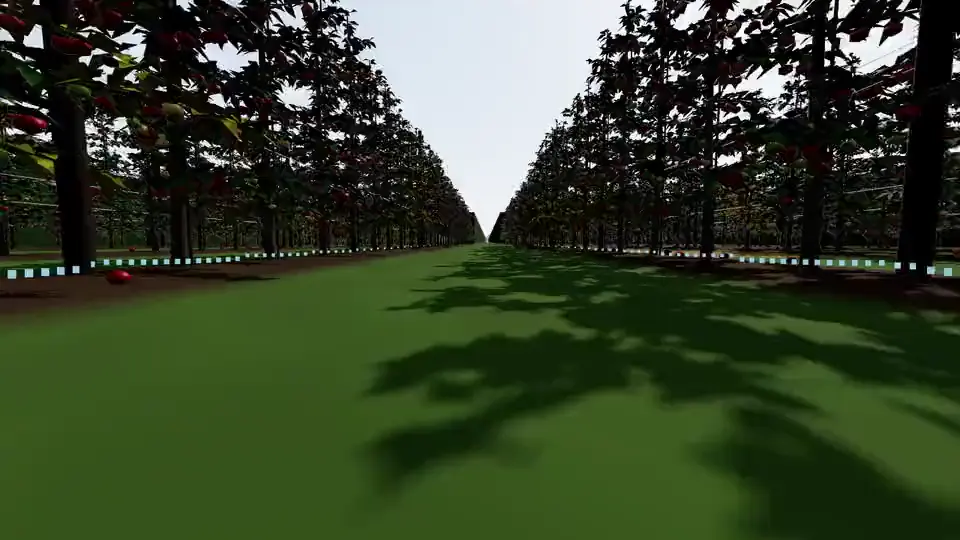
Let the field scene load and choose a rover view. The plants, terrain and vehicle are rendered in the browser.
Use the driving controls shown in the simulator. Start with a short movement, then stop and check the camera view.
Change direction at the end of a row and look at the same turn from another camera. Compare it with the recorded simulation in the Lab.
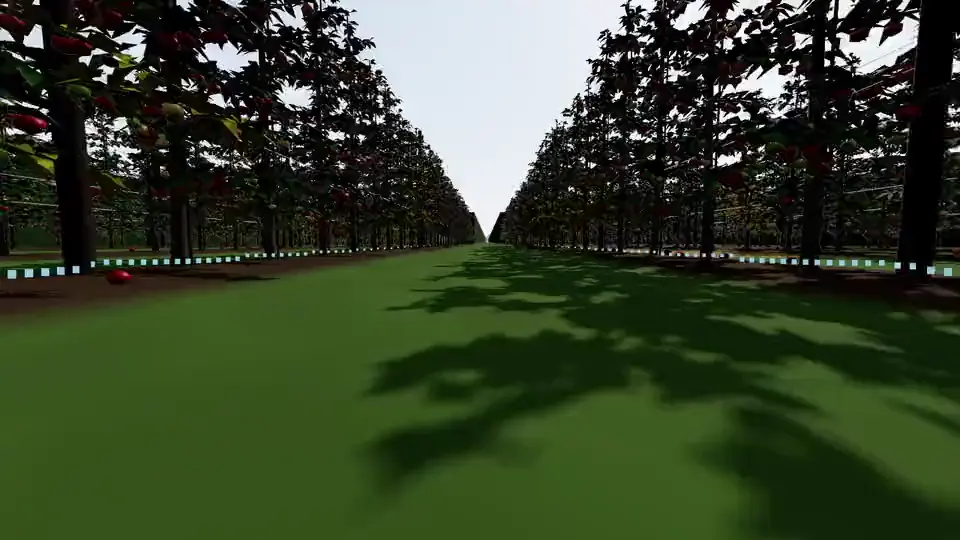
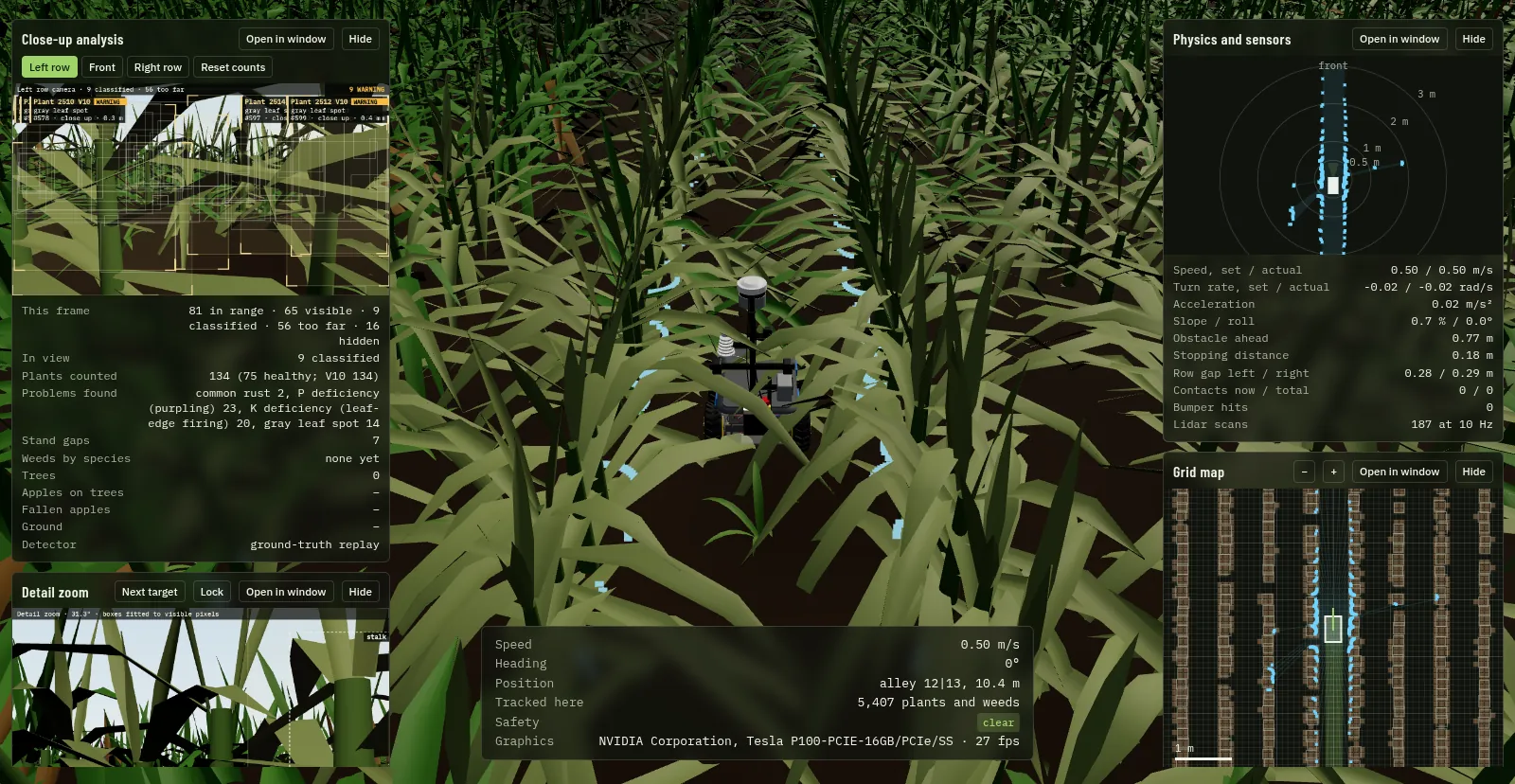
A recorded drive through a rendered crop row in Prism Sim, viewed from the virtual rover.
Explore nine simulated frames from Prism Sim. Switch from the camera view to the labels for each plant, species and condition.
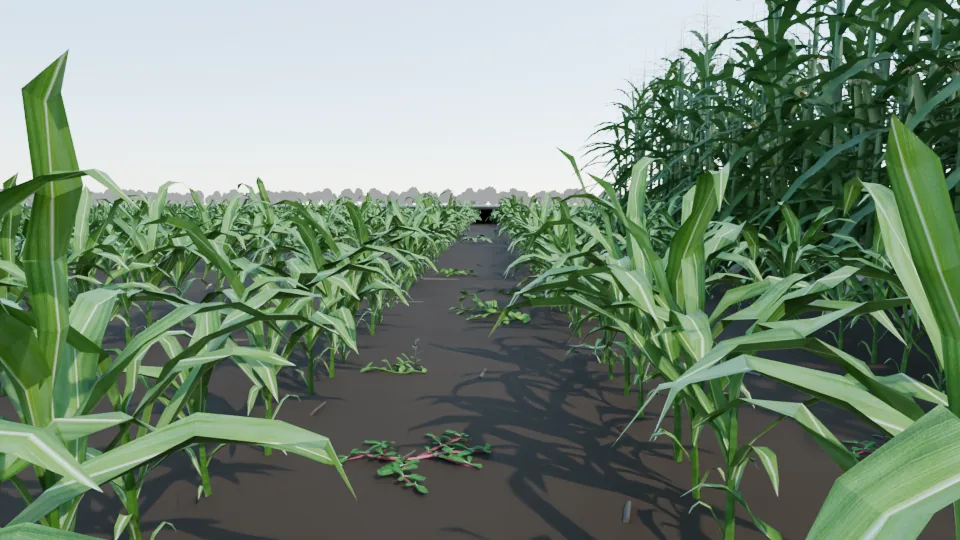
The interactive browser demo uses WebGL. The Lab also has a recording of a simulated drive.