Prism Sim · Practical guide
Drive a rover in simulation
Steer a virtual rover through crop rows and switch to its onboard camera.
Before you start
A WebGL-capable browser. The recorded drive is an alternative when the scene cannot run on a device.
Let the field load
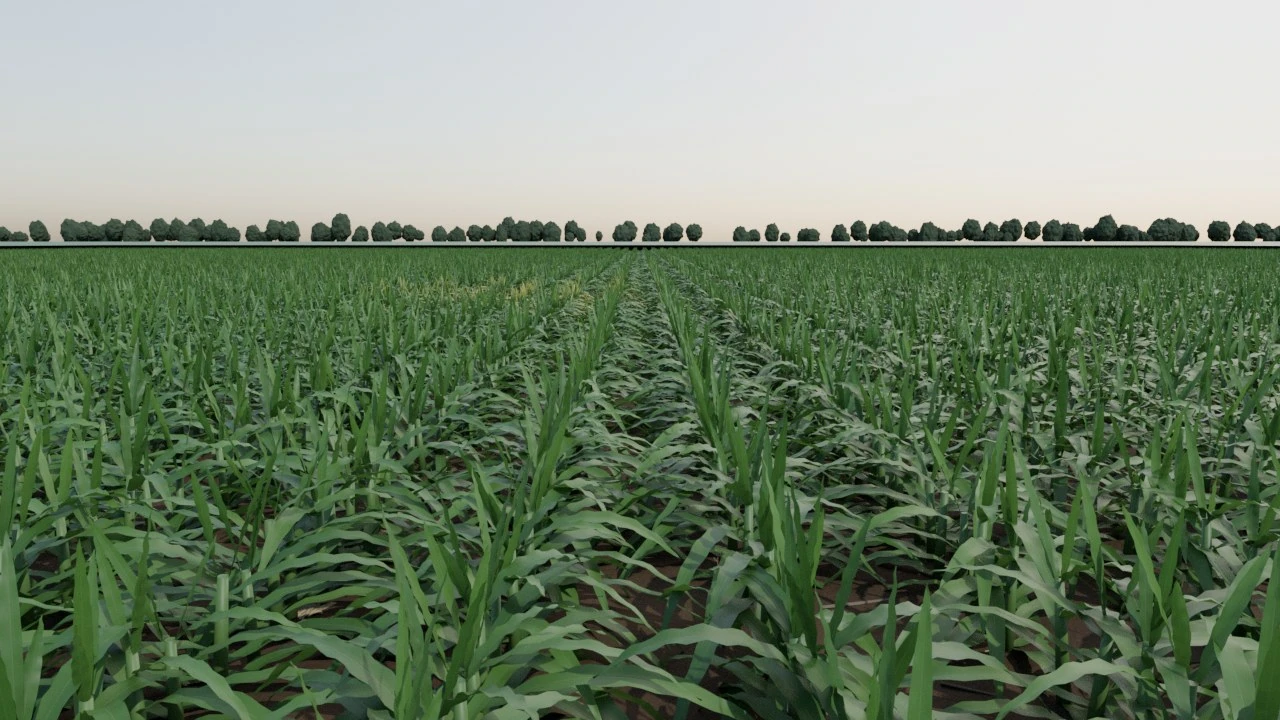
Open Prism Sim and choose the corn field or apple orchard. Wait until the scene is visible.
Select Manual
Use the Manual control in the driving toolbar. Look at the controls displayed for your device before moving.
Make a short pass
Drive a short distance and stop before the end of the row. Switch between the available camera views to see how the turn will look.
Compare with the film
Play the Lab’s simulated drive. Look at the change in row spacing as the recorded rover moves.
What to look for
A movement or camera change should affect only the simulated scene in your browser.