 Web app
Geographic information system
Prism GIS
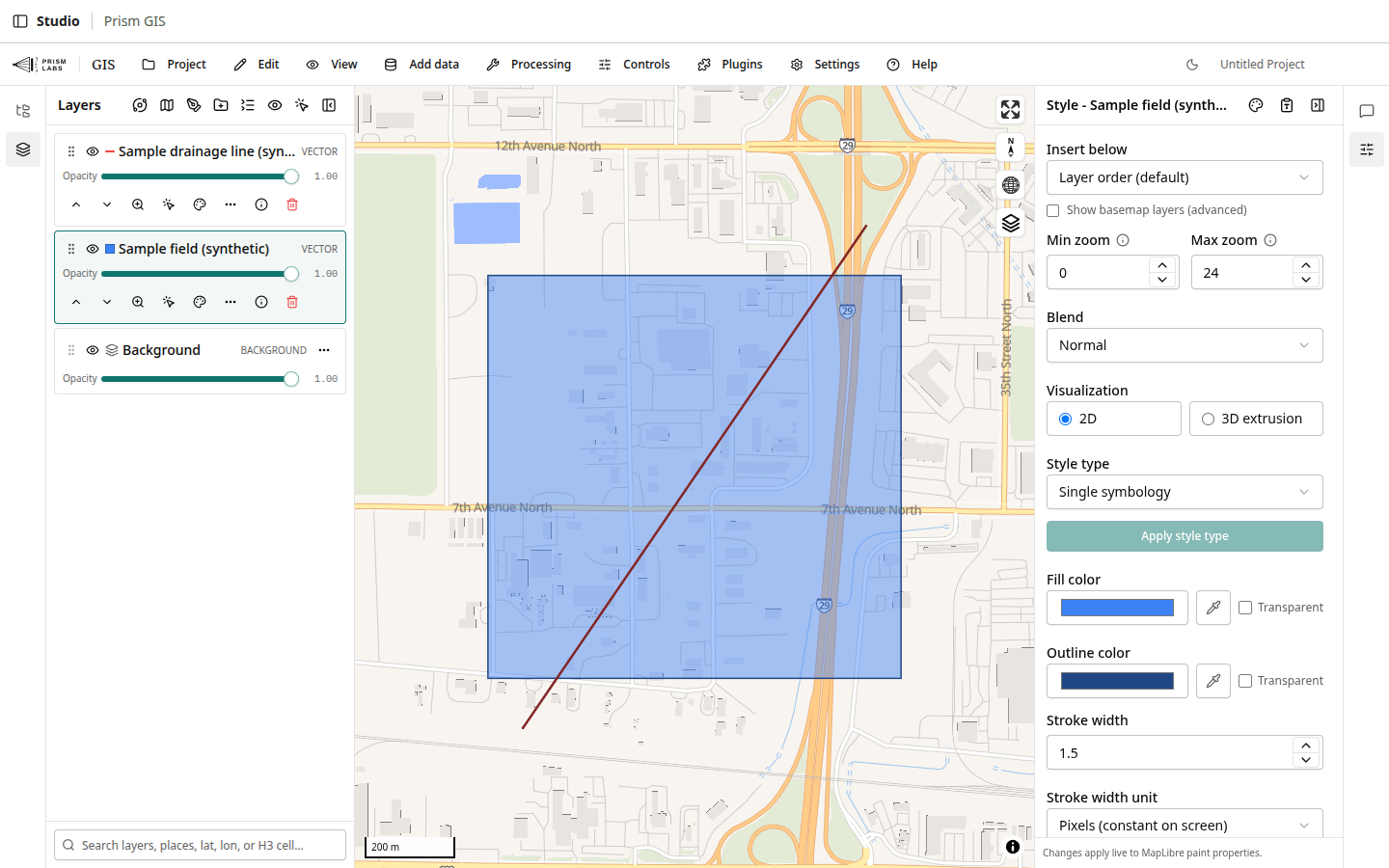
Build a map with your own layers. Edit features, measure boundaries, and run spatial analysis.

Field weather · Web app
Weather for the field you manage.
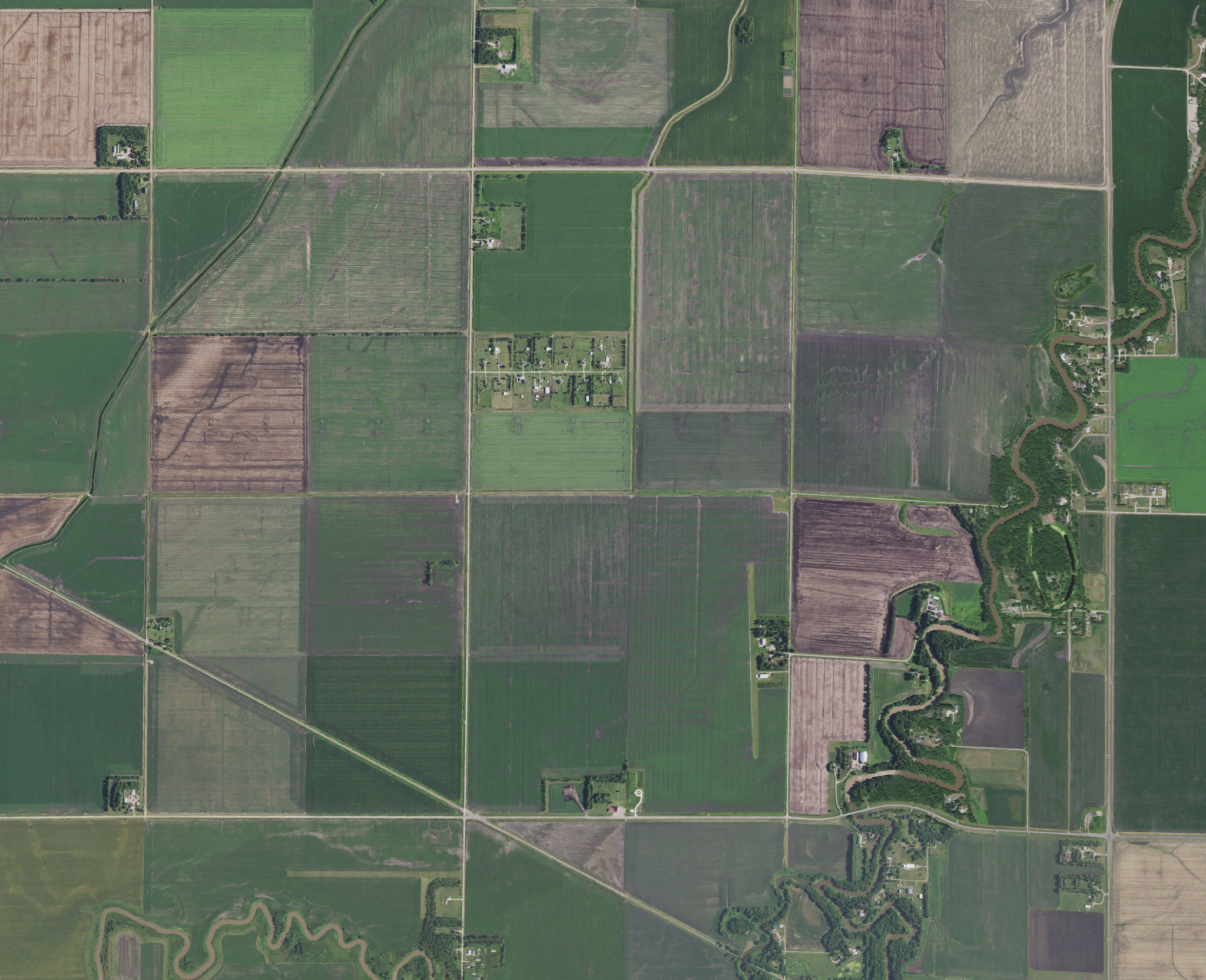
Choose a field in Minnesota or North Dakota. Read the weather for that field alongside its boundary and compare the forecast before planning fieldwork.
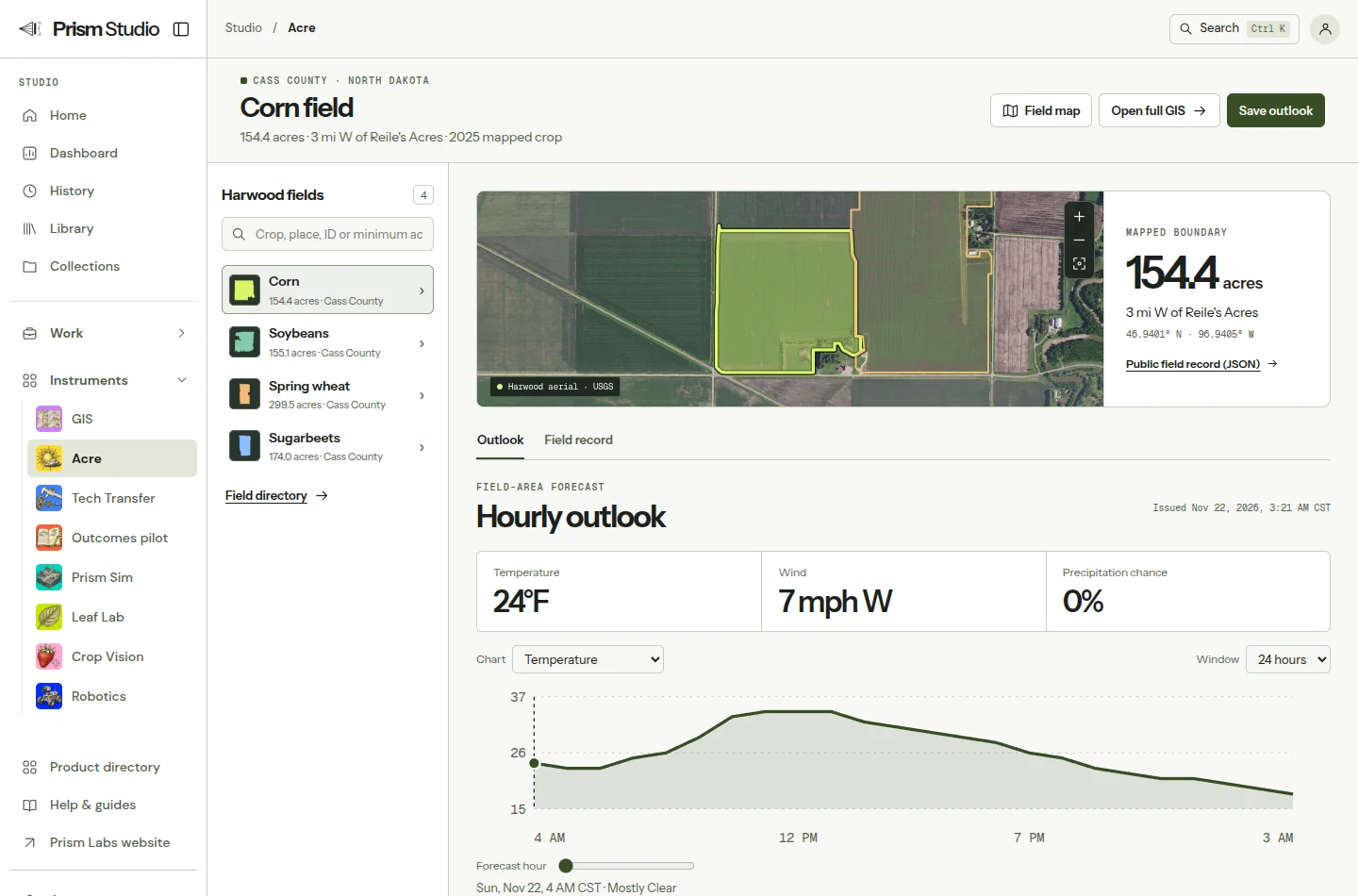
Read the dated forecast for the selected field. Move through the hours to compare temperature, wind, and precipitation.
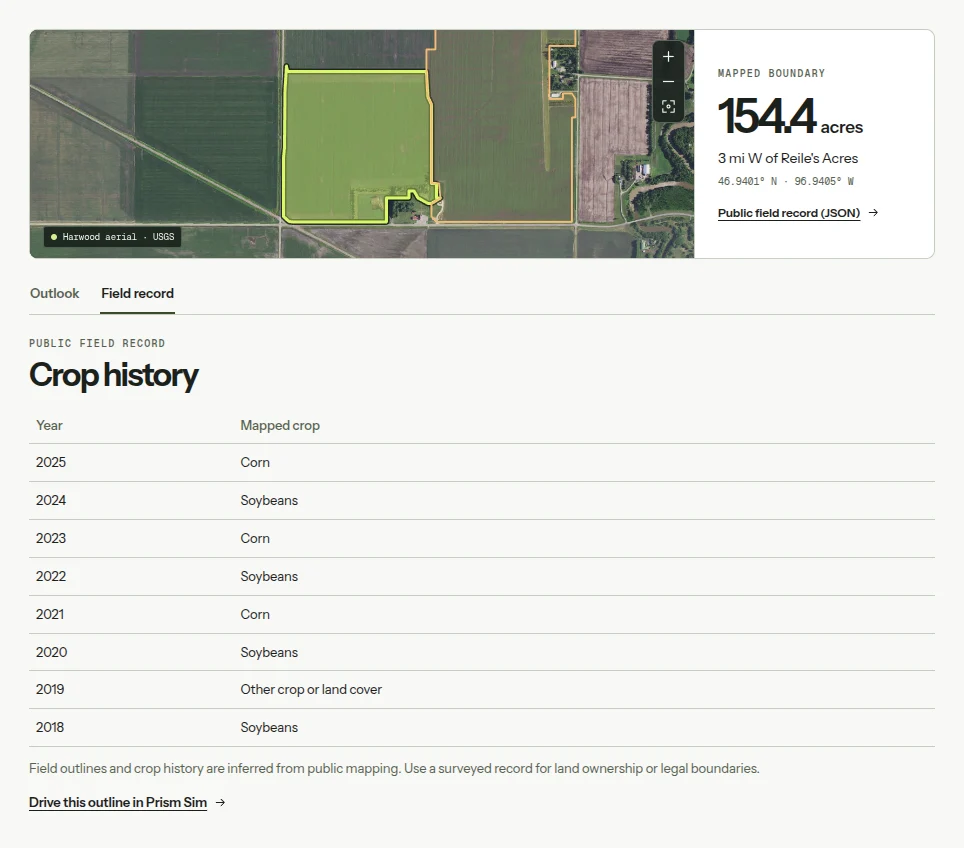
Check which crop was mapped in each year for this field.
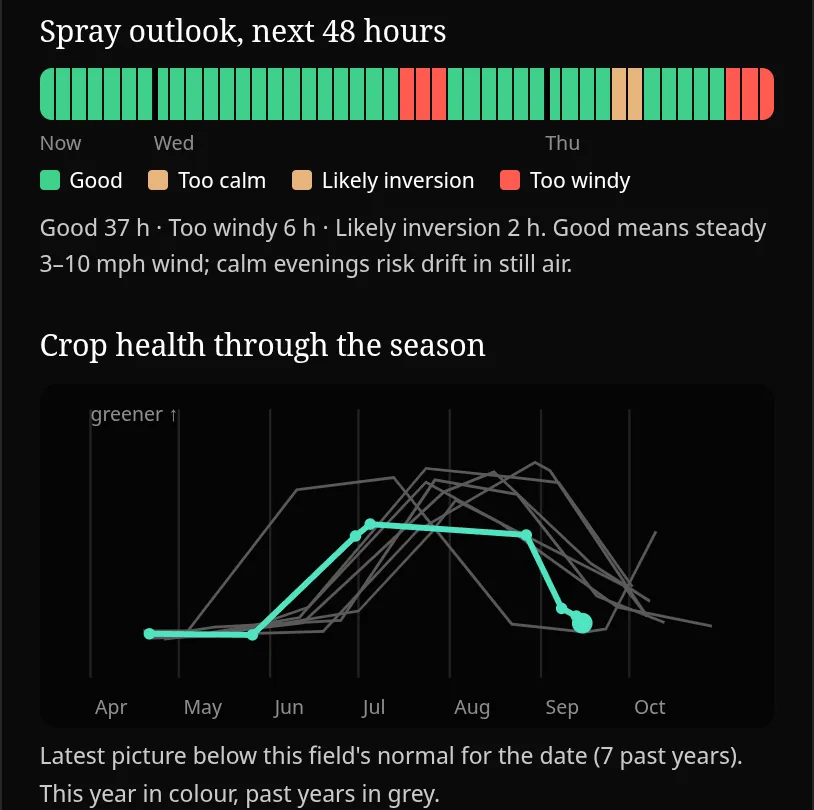
Compare forecast periods before deciding when to check conditions in the field.
Open the field map and select a boundary in North Dakota or Minnesota. Confirm the selected field before reading its forecast.
Look at the weather outlook and the timing of potential spray or frost conditions. The forecast belongs to the selected field.
Use the outlook to plan when to visit. Actual conditions and the product label guide an application decision.
Find your North Dakota or Minnesota field by county and open its current outlook.
Open Acre in a browser and select a supported field. The product shows the coverage and forecasts available for that location.