Prism Leaf Lab · Practical guide
Explore the surface of a photographed leaf
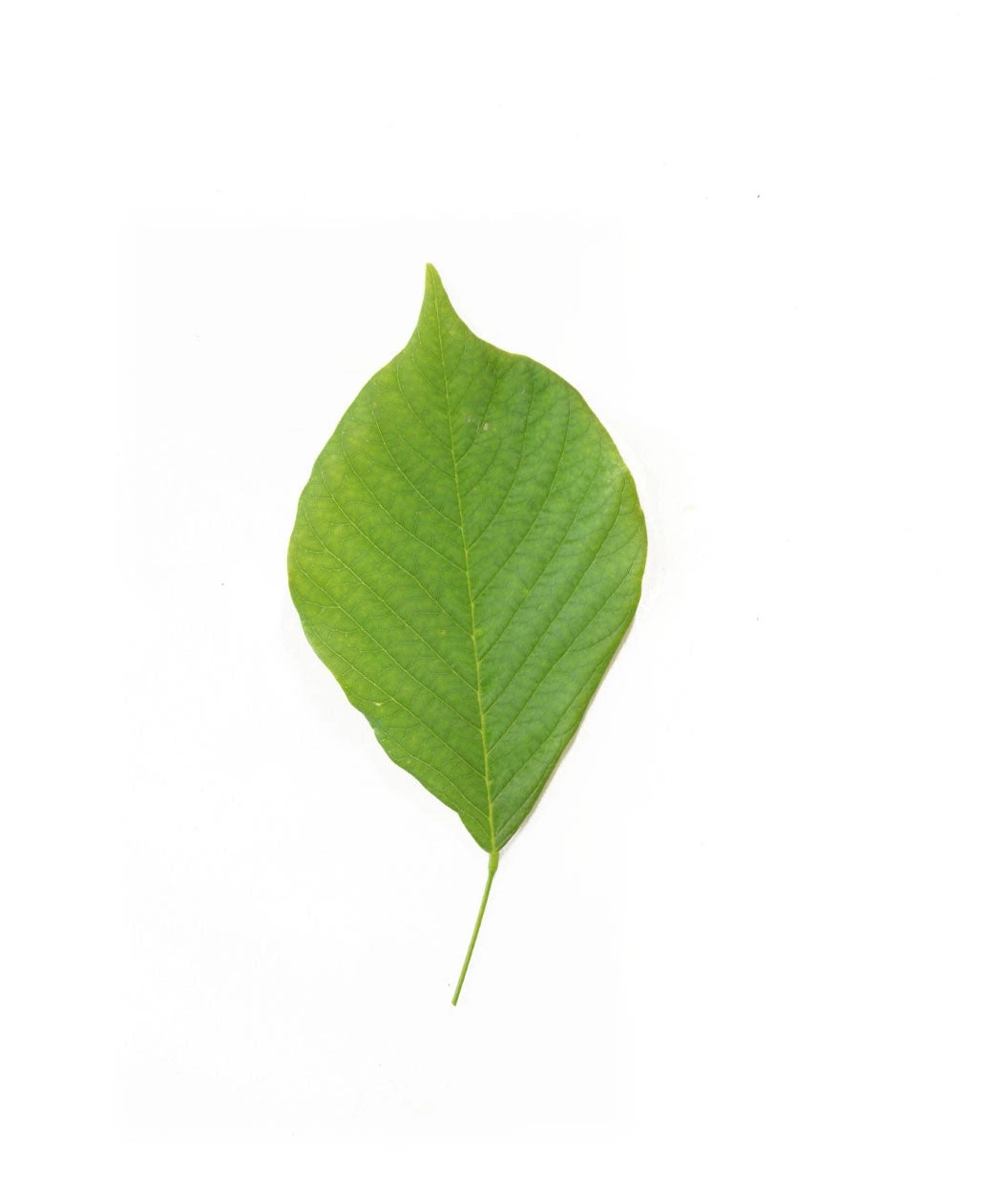
Move the light across a yellowwood leaf and rotate the surface reconstructed from its photograph.
Before you start
A browser with WebGL for the live view, or the rendered still included in the viewer.
Inspect the source
Open the source photograph and find the central vein. Close it and locate the same feature on the model.
Change one setting at a time
Select a lighting preset. Rotate the leaf to see how the same vein catches the light at another angle.
Compare the still
Switch to Rendered still and back to Interactive 3D. Use Reset view to return to a comparable starting position.
What to look for
Changing the light helps you inspect estimated relief. The photograph remains available for reference.